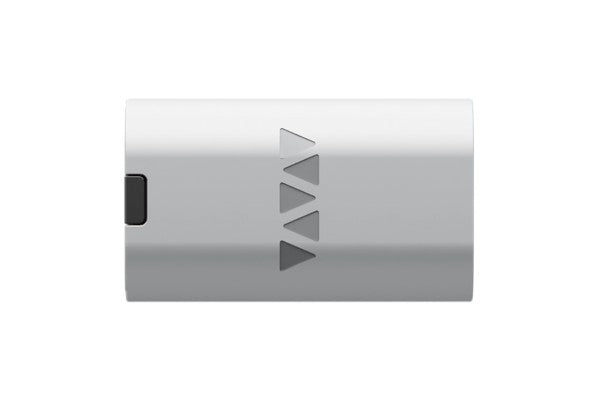


VFLEX Base
VFLEX Base
 Thank you for supporting a US-based small business!
In stock
Couldn't load pickup availability
Free standard shipping on US orders over $150
Add $150 to your cart to unlock free standard shipping.
US orders only. Excludes oversized, freight, and bulk orders. Not combinable with other discounts. Expedited shipping not included.
Description ▼
Datasheet
VFLEX — Universal USB-C Power Adapter
Stop hunting for the right power brick. VFLEX turns any USB-C Power Delivery charger into a configurable power adapter for your devices.
Set the exact voltage your device needs using the VFLEX app, plug into a USB-C charger or power bank, and power everything from legacy electronics to modern gear — all with one compact adapter.
Why VFLEX
-
Universal USB-C power from a single adapter
-
Configurable voltage output via iOS or Android or Web App
-
Voltage range from 3.3V to 48V (As long as USB-C power supply supports it)
-
Works with USB-C PD chargers & power banks
-
Interchangeable connector tips
-
Compact, travel-ready design
Replace a drawer full of bulky power bricks with one smart, universal solution.
VFLEX makes USB-C work for everything.
Recommended Accessories ▼
Bundle Deals▼
Let’s Connect! We’re a small business passionate about helping you achieve your goals of comfort, privacy, and security with Home Assistant, Single Board Computers, and more. Get in touch for a free consultation or just a fun chat about what’s possible—we’ll do our best to guide you in the right direction and get you the best deal! As a small team, we’ll strive to be available or get back to you as soon as possible.
SKU:VFLEX-BASE-WS-GM
View full details