

Z-Stick 10 Pro (Dual Zigbee/Z-Wave)
Z-Stick 10 Pro (Dual Zigbee/Z-Wave)
 Thank you for supporting a US-based small business!
In stock
Couldn't load pickup availability
Free standard shipping on US orders over $150
Add $150 to your cart to unlock free standard shipping. Use code FREESHIPPING at checkout.
US orders only. Excludes oversized, freight, and bulk orders. Not combinable with other discounts. Expedited shipping not included. CircuitMess items do not count toward free shipping. The FREESHIPPING code must be entered at checkout.
Description ▼
The Z-Stick 10 Pro empowers you to create your own custom Smart Home hub, offering full control and flexibility over your smart home ecosystem. With dual support for Z-Wave and Zigbee, it connects seamlessly to a wide range of devices, while its compatibility with platforms like HomeAssistant ensures a personalized, cloud-free, and secure smart home experience.
As the first USB Dongle featuring dual-radio support for both Z-Wave and Zigbee, it seamlessly integrates with your devices for unparalleled connectivity.
FEATURES
- 2-in-1 Z-Wave & Zigbee Smart Home Adaptor - The best out of 2 ecosystems: The combination of Z-Wave and Zigbee in one USB Smart Home Dongle unlocks seamless integration and control over a wide range of smart home devices. These two leading wireless protocols allow the dongle to communicate with Z-Wave devices, known for their reliability and long-range performance, as well as Zigbee devices, prized for their energy efficiency and scalability. With both technologies in a single dongle, you can effortlessly connect and manage lights, sensors, locks, thermostats, and more, regardless of their protocol, creating a unified and versatile smart home ecosystem.
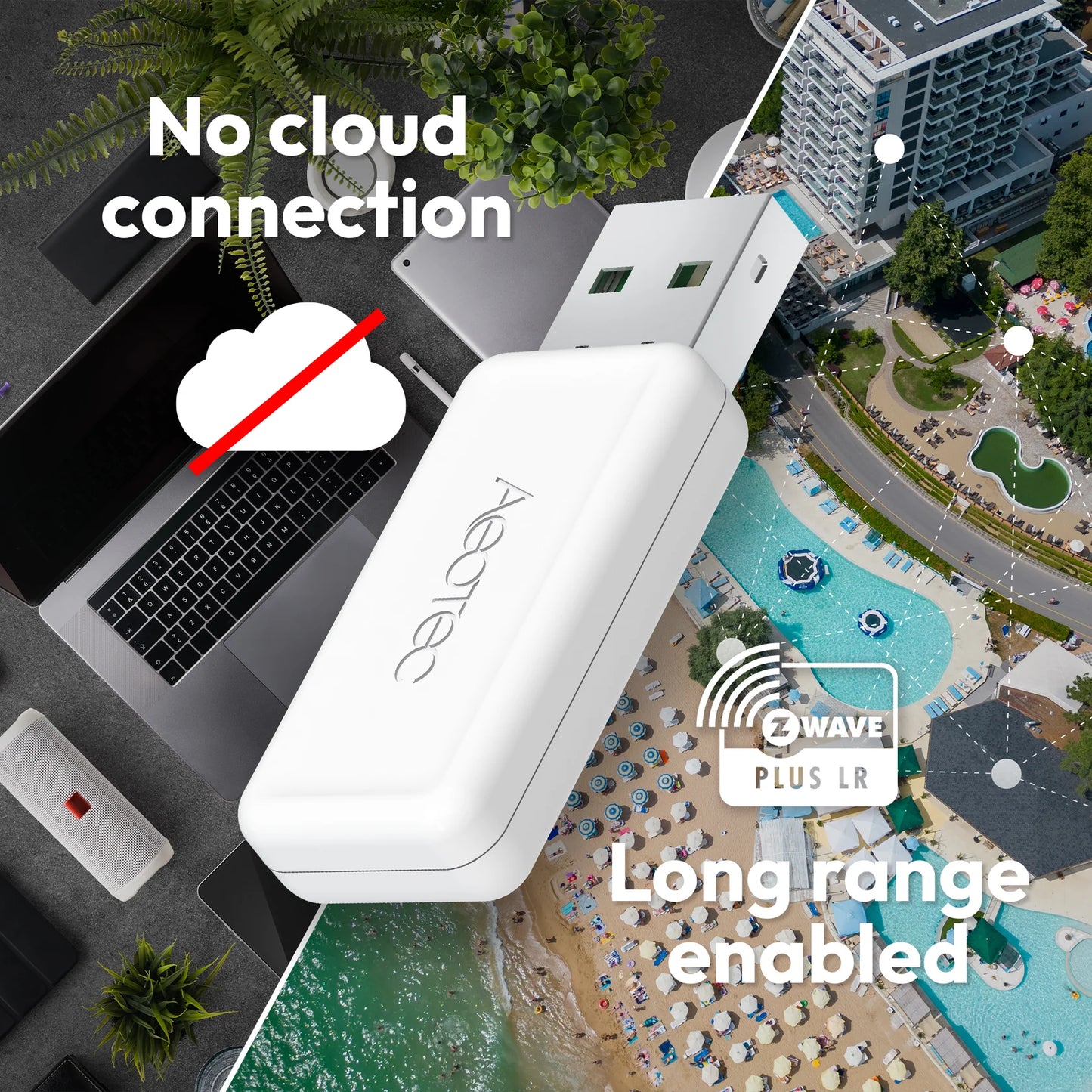
- Cloud free and local control with up to 1 mile range: Local control of your smart home devices ensures faster response times, greater reliability, and enhanced privacy by keeping all operations within your home network - without relying on an external cloud. This means your devices remain functional even during internet outages, and sensitive data stays secure without being transmitted to third-party servers. By eliminating cloud dependency, you gain full control, better security, and a more seamless smart home experience using Z-Wave Long Range with RF range of up to 1 mile.
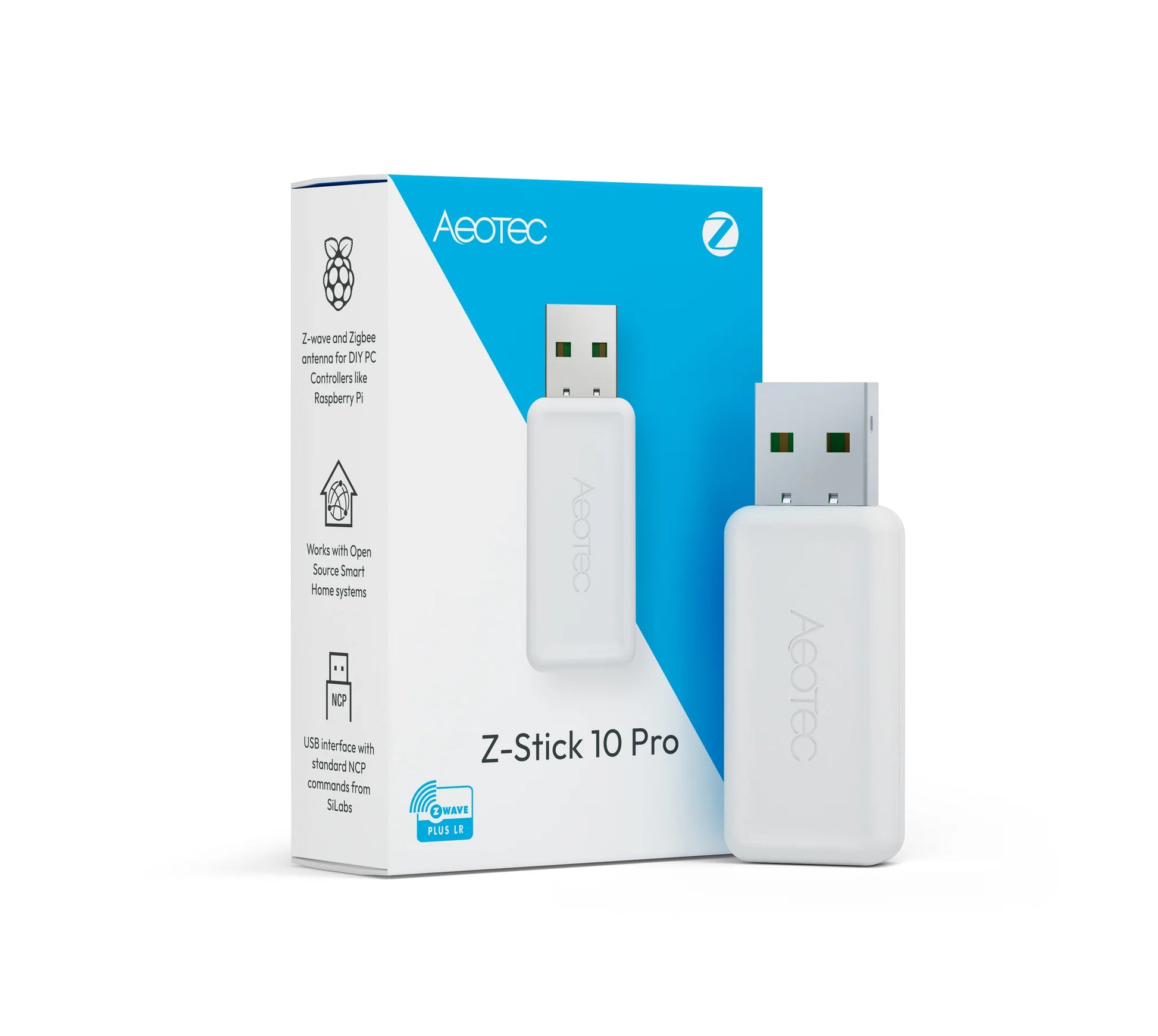
- Compact and slim design: The slim design of the Z-Stick 10 Pro ensures it fits easily into any setup, minimizing clutter and leaving neighboring USB ports free. Perfect for compact smart home gateways, it blends convenience with sleek aesthetics.
- Cross platform compatible: The Z-Stick 10 Pro offers wide compatibility with popular open-source systems like HomeAssistant, Zigbee2MQTT, and OpenHAB, making it the perfect choice for tech enthusiasts and DIYers. Running on windows, Linux or Mac systems makes the Z-Stick 10 Pro working for any type of DIY solutions or controller software. Its dual Z-Wave and Zigbee support allows seamless integration with diverse smart home devices, giving you the freedom to build and customize your ideal smart home ecosystem.
- State of the art technology: The Z-Stick 10 Pro is powered by the latest Silicon Labs technology for both Z-Wave EFR32ZG23 and Zigbee EFR32MG21, ensuring top-notch performance, enhanced range, and robust connectivity. This cutting-edge hardware delivers faster communication, improved energy efficiency, and reliable operation for your smart home ecosystem.
SPECIFICATIONS
- Z-Wave SoC: EFR32ZG23
- Zigbee SoC: EFR32MG21
- Connection: USB-A, USB_UART Bridge - Standard/Enhanced COM Port
- Z-Wave SDK: 7.22.0 and later
- Z-Wave Serial API: Bridge Controller
- Z-Wave Library Type: Static Controller
- Z-Wave Long Range: US & EU (ready)
- Zigbee frequency: 2405 - 2475 MhZ
- Zigbee version: 3.0
- EZSP version: 0x08
- Stack type: 0x02
- Stack version: 6.10.9
- Power Supply: USB DC 4.75V to 5.25V
- Operating Temperature: 0°C to 40°C / 32°F to 104°F
- Operating Humidity: 8%-80%
- Known compatibilities:
- Tested to be compatible with Raspberry Pi 3 and up
- Tested to be compatible with Windows 10 OS
- Tested to be compatible with Linux OS
- Tested to be compatible with OSX OS
NOTES
Z-Stick 10 Pro: Identifying Z-Wave and Zigbee Interfaces: When testing the Z-Stick 10 Pro, we observed that the Z-Wave and Zigbee chips can be distinguished by their USB interface paths. Specifically:
- if01: Corresponds to the Z-Wave chip.
- if00: Corresponds to the Zigbee chip.
In our setup, this translated to:
- if00 as /dev/ttyUSB0 (Zigbee).
- if01 as /dev/ttyUSB1 (Z-Wave).
Note: USB device mappings can vary depending on your system configuration. To verify the paths on your device, navigate to Settings > System > Hardware > All Hardware and locate the USB paths for each interface. This ensures correct pairing and configuration during setup.
Recommended Accessories ▼
Bundle Deals▼
Let’s Connect! We’re a small business passionate about helping you achieve your goals of comfort, privacy, and security with Home Assistant, Single Board Computers, and more. Get in touch for a free consultation or just a fun chat about what’s possible—we’ll do our best to guide you in the right direction and get you the best deal! As a small team, we’ll strive to be available or get back to you as soon as possible.
SKU:C0822
View full details