

M2 Cube Case
M2 Cube Case
 Thank you for supporting a US-based small business!
In stock
Couldn't load pickup availability
Free standard shipping on US orders over $150
Add $150 to your cart to unlock free standard shipping.
US orders only. Excludes oversized, freight, and bulk orders. Not combinable with other discounts. Expedited shipping not included. CircuitMess items do not count toward free shipping.
Description ▼
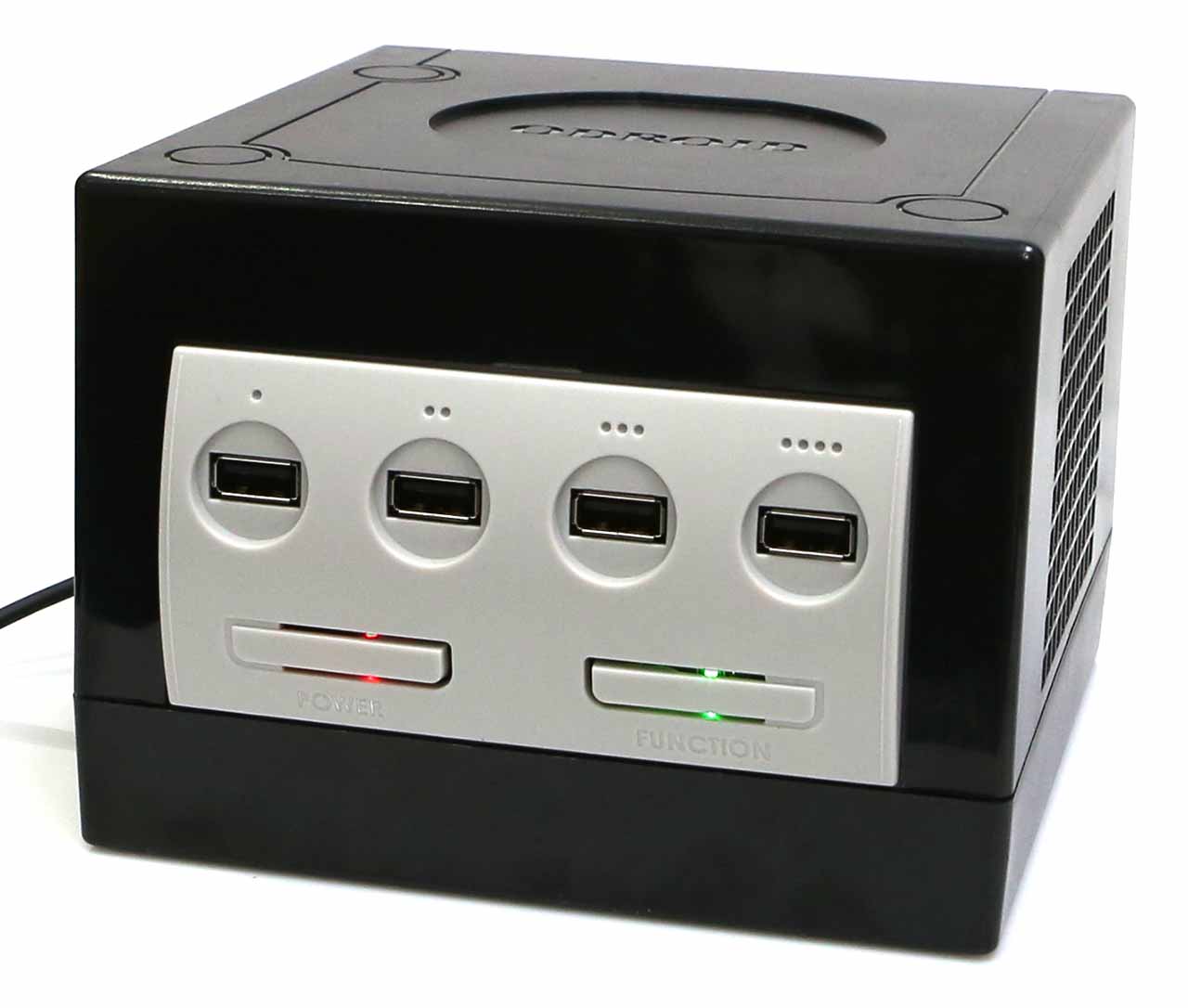
The M2 Cube Case can embed an ODROID-M2 board. There are four USB ports on the front panel allowing you to easily connect game controllers or input/output devices.
Passionate “old-school” game players from the early 2000’s will be smiling with nostalgia at our homage to a legendary game console released in 2001.
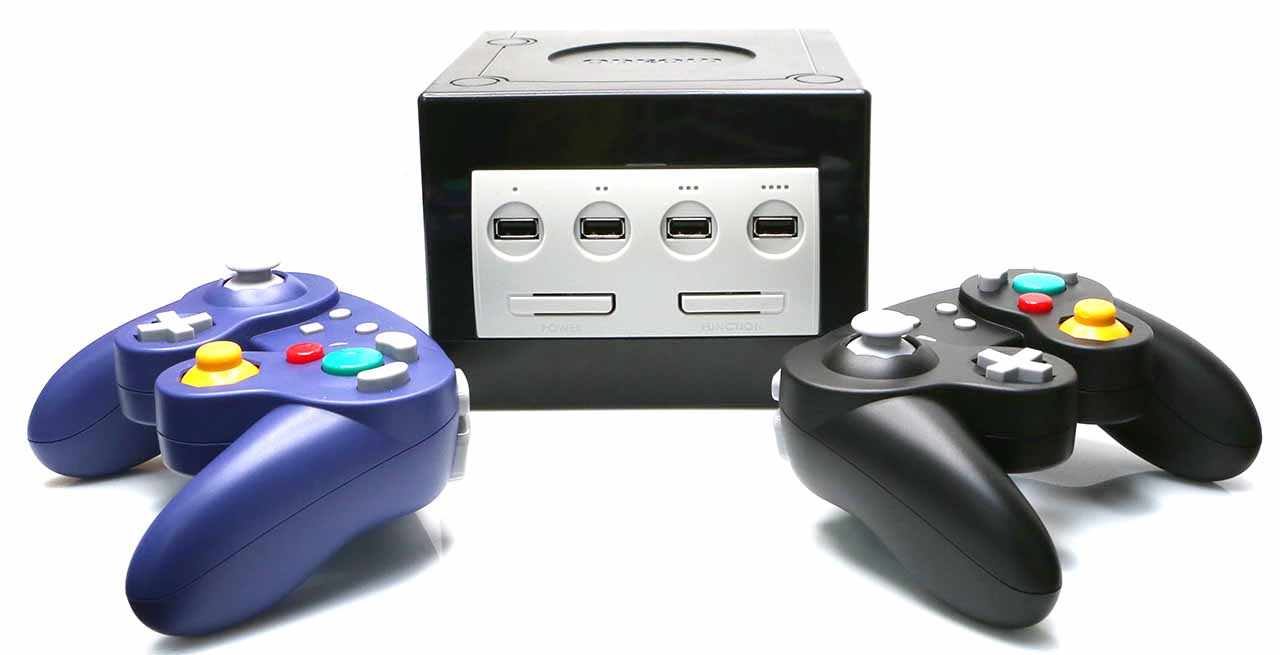
There is a power button with a red LED and a function button with a green LED which is configurable. The power button signal need to be connected to the 14-pin IO header of the M2 board through a female-to-female jumper cable.
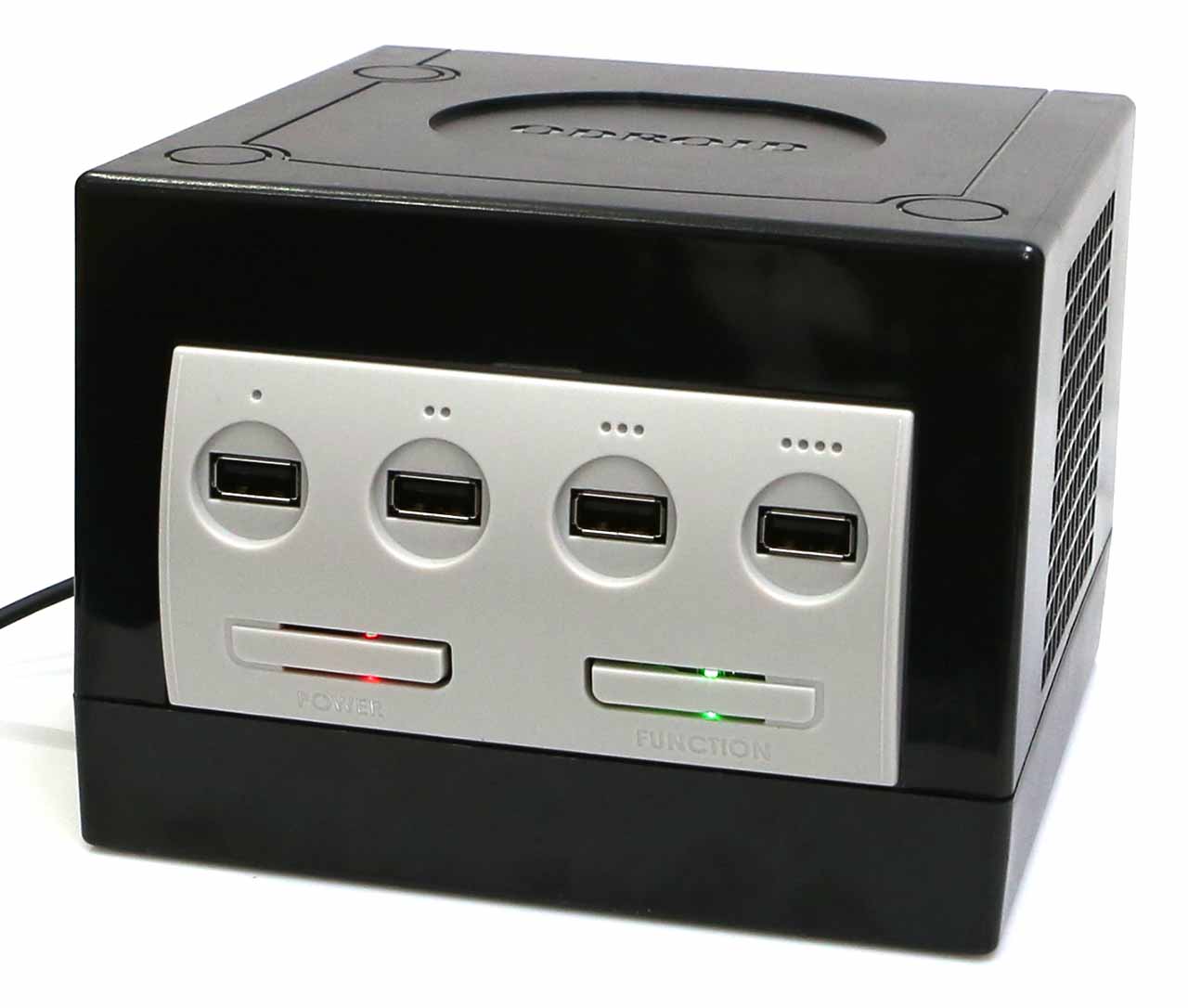
The green LED can be controlled by a GPIO pin, and the user configurable Function button status can be read by a GPIO pin through the IO header, so they can be accessed with a simple Python script on Linux.
Or, you can use the reset pin on the 14-pin IO header for system reset.
Its shape is close to a cube with size of 150x157x110mm. A big handle on the rear side helps you carry the M2 Cube Case around.
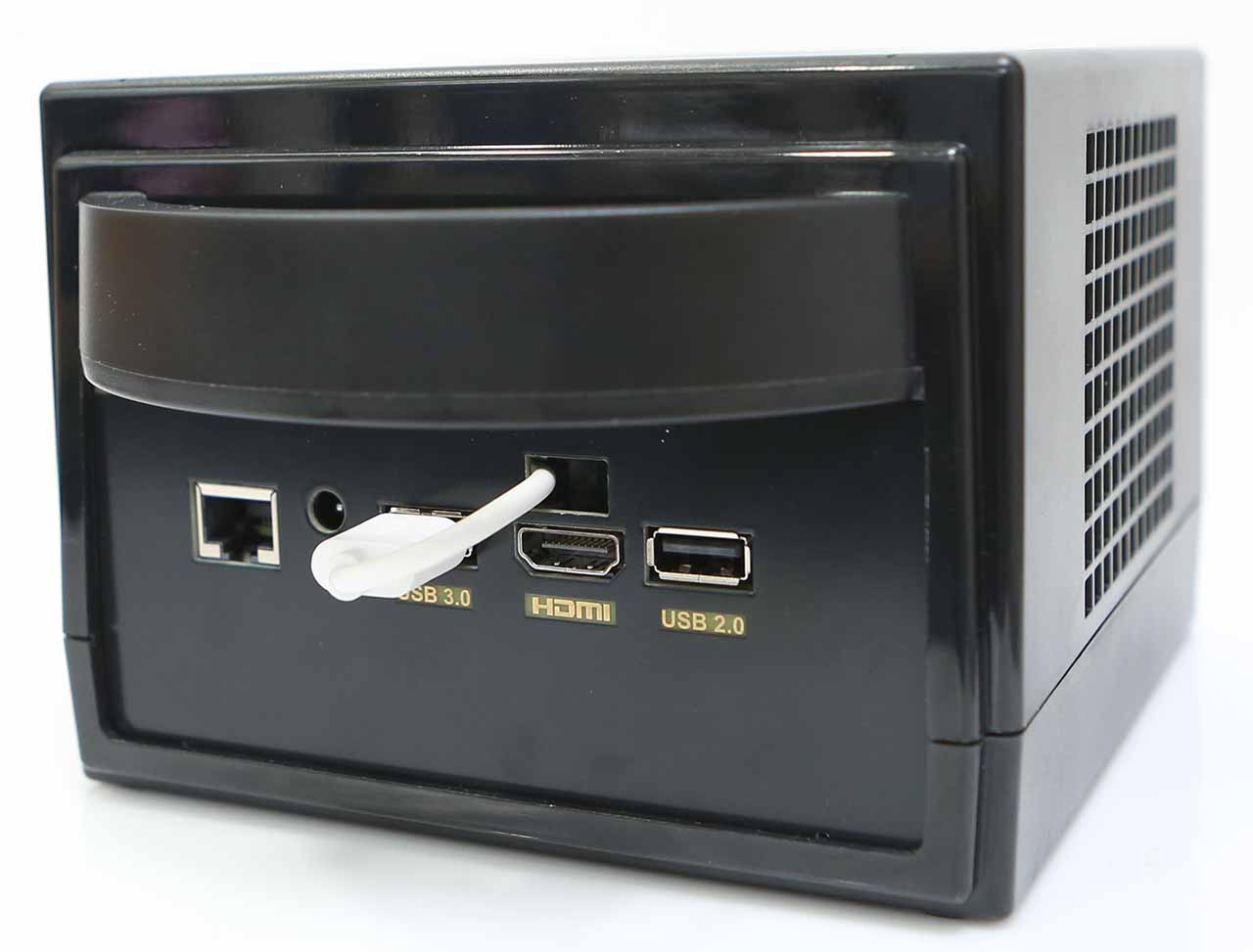
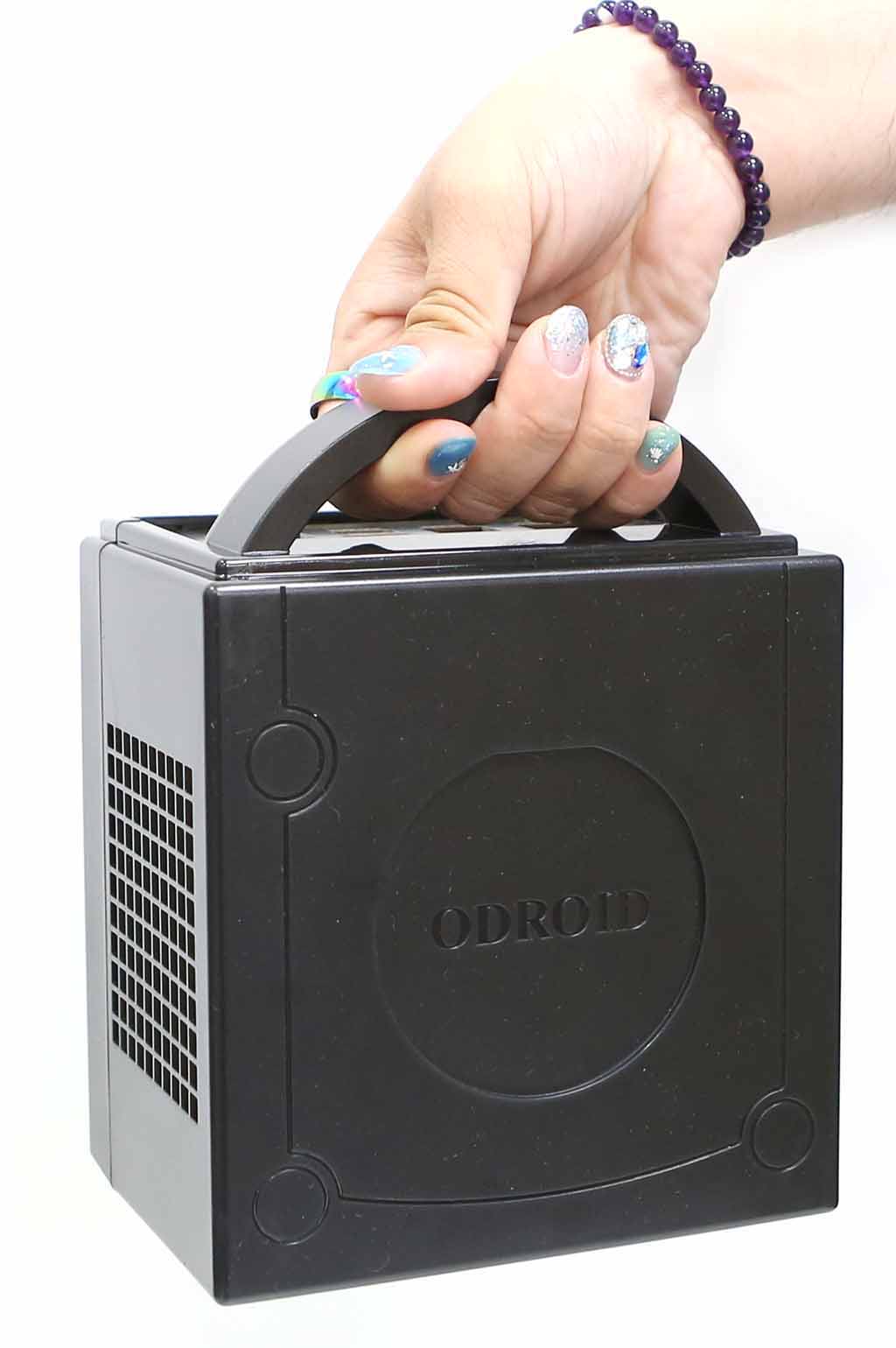
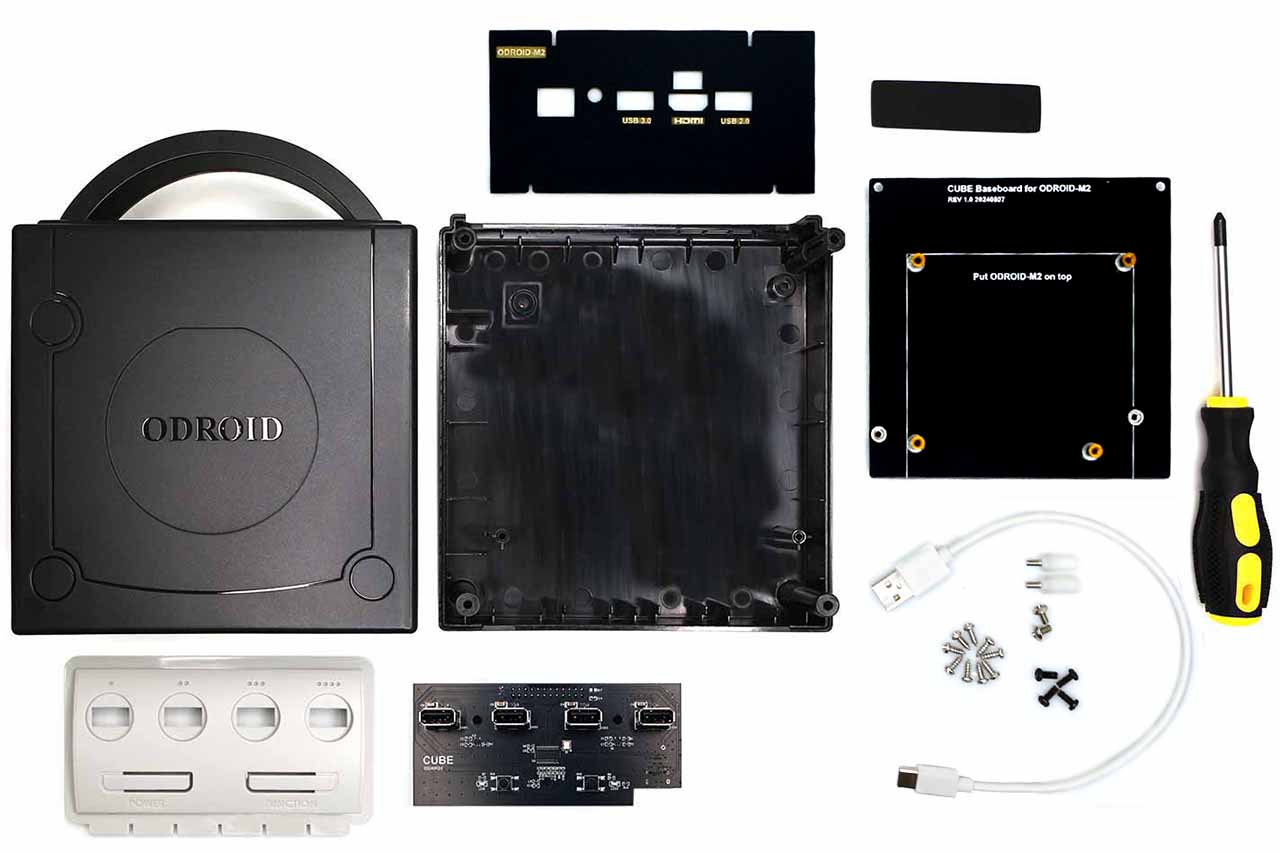
Components in the box
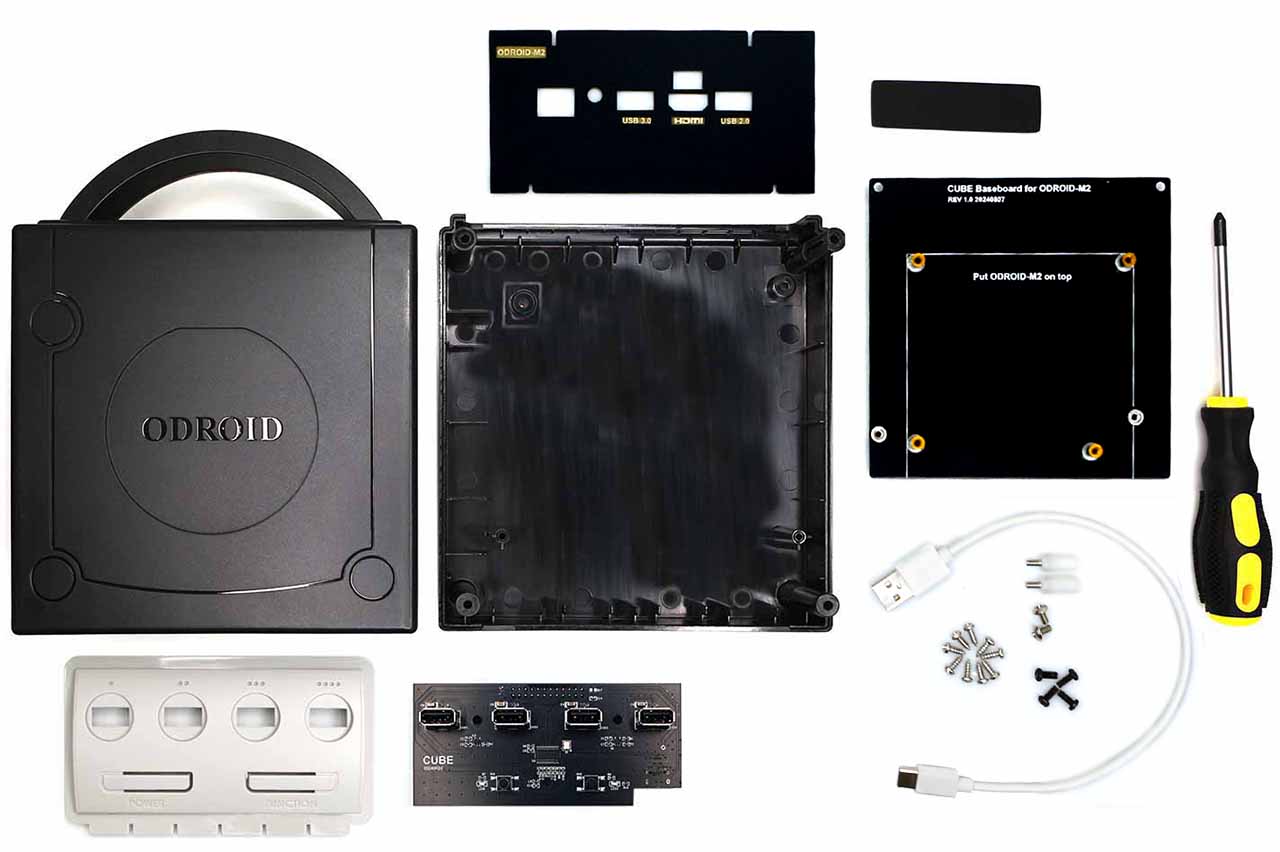
- Case Top
- Case Bottom
- Front panel
- USB hub board
- Rear panel
- Base board
- M3 – 7 black screw x 4
- M3 – 6 nickel screw x 2
- Screw for plastic parts x 9
- 15mm PCB support plastic M3 x 2
- Rubber feet x 4
- Screwdriver x 1
- USB 2.0 Type-C cable
How to assemble
Recommended Accessories ▼
Bundle Deals▼
Let’s Connect! We’re a small business passionate about helping you achieve your goals of comfort, privacy, and security with Home Assistant, Single Board Computers, and more. Get in touch for a free consultation or just a fun chat about what’s possible—we’ll do our best to guide you in the right direction and get you the best deal! As a small team, we’ll strive to be available or get back to you as soon as possible.
SKU:I0738
View full details